



壁纸

壁纸 | 免费4K、高清及移动版 壁纸

免费 高清、4K和8K壁纸,适用于桌面、手机、平板和双显示器——从数千个分类中精选,确保您总能找到适合屏幕的壁纸。浏览壁纸库或从热门壁纸开始。秒速下载,无需注册,无水印,无限制。

按风格浏览壁纸(美学、动漫、可爱、深色、极简、复古),按主题(自然、动物、汽车、运动、游戏、太空),按设备(iPhone、Android、MacBook、iPad),或按颜色。每张壁纸均从我们200万+图片库中精选,并预先调整尺寸以便快速下载。

寻找特定分辨率?筛选 1920×1080、3840×2160 或您手机的精确尺寸——我们将自动裁剪并提供合适尺寸。想要更多?Premium 解锁 8K 下载、无广告体验、AI 编辑工具和批量导出。

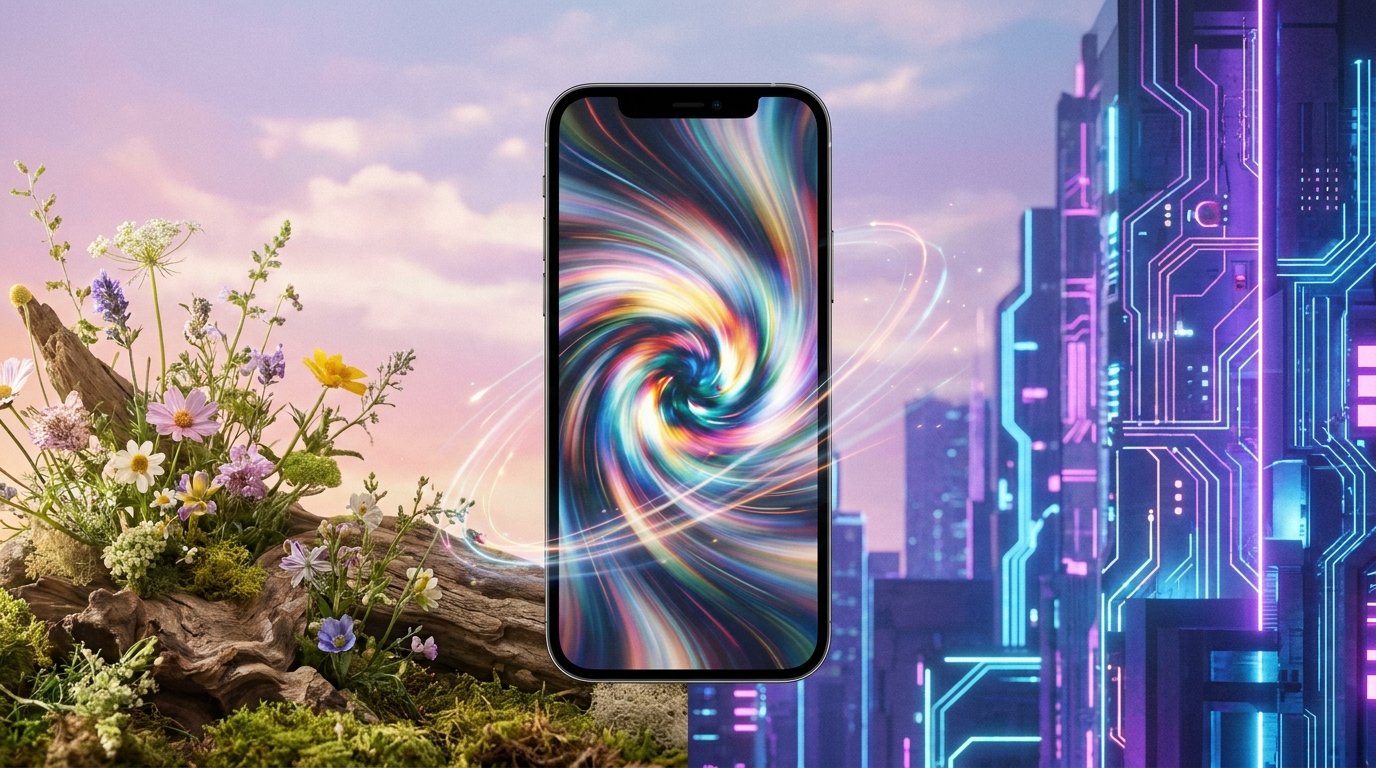
霓虹紫心
⭐ 每日精选 壁纸

霓虹紫心

每日精选——每24小时更新一张特色壁纸。

查看与下载 → 查看所有历史每日精选

热门趋势 壁纸 此刻热门

查看全部 壁纸 A→Z ›
AI工具 AI Wallpaper Generator | 输入任意想法,秒获定制壁纸——自动适配任何屏幕尺寸。

AI Wallpaper Generator

输入任意想法,秒获定制壁纸——自动适配任何屏幕尺寸。

照片级真实 动漫 美学 深色 卡通 极简风

壁纸AI工具

浏览所有工具 ›
compress-png

PNG压缩器

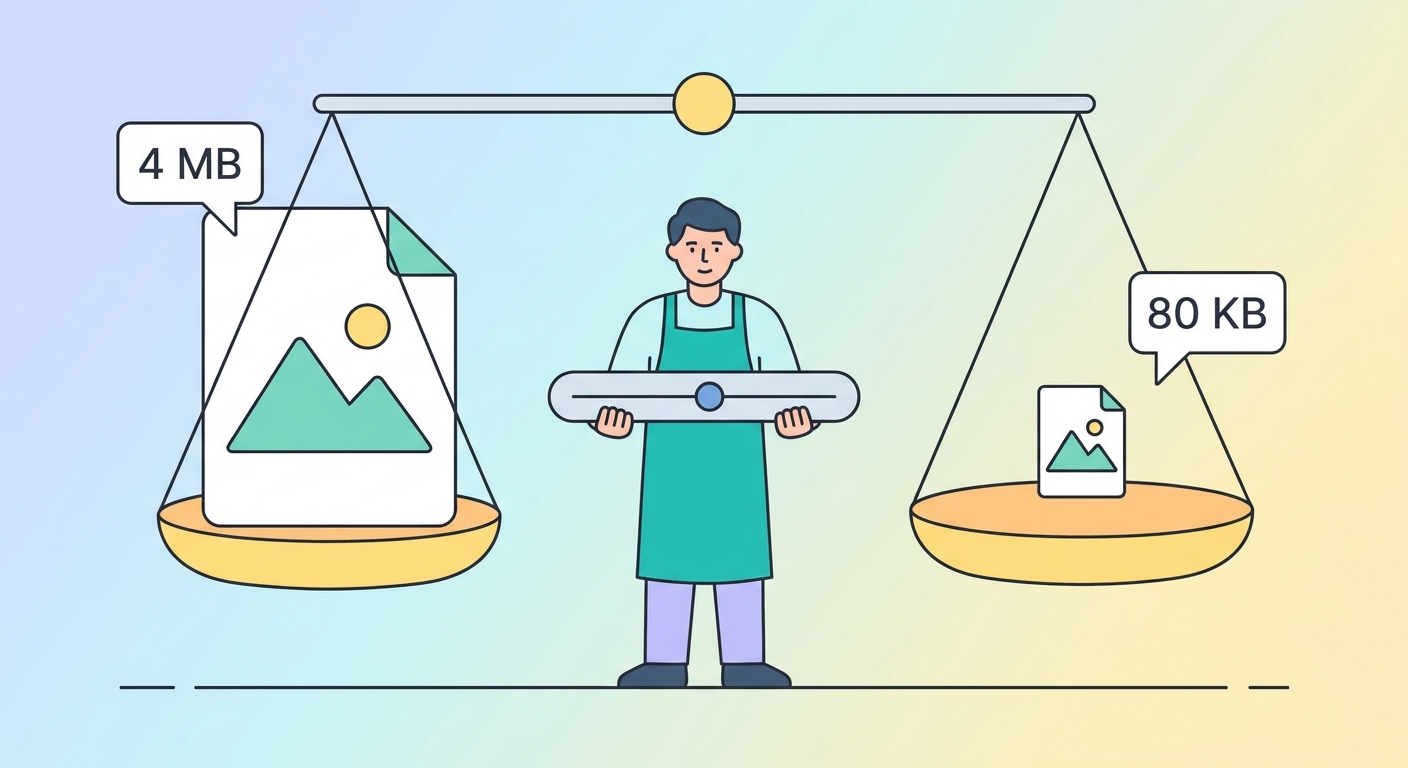
使用pngquant和zopfli无损缩小PNG文件。

Sky Replacement — Change Sky in Photo

在线替换天空

用AI更改任何照片的天空。日落、银河、暴风云、极光、黄金时刻——选择预设或描述您自己的天空。免费在线天空替换,无需Photoshop。

AI Background Generator — Change Background AI

AI 背景生成器

免费 AI 背景生成器。用 AI 更换任意照片的背景——输入新场景,即刻合成。无需 Photoshop,在线更换照片背景。

ai-wallpaper-generator

AI壁纸生成器

输入描述,即可获得自定义比例壁纸。

resize-image

图片缩放工具

将任何图片调整为自定义尺寸或平台预设尺寸。

smart-crop

AI智能裁剪

裁剪至任意宽高比,同时保持主体居中。

compress-jpg

JPG 压缩工具

通过可调节质量缩小 JPG 文件大小。

Photo to Wallpaper Maker

照片转壁纸工具

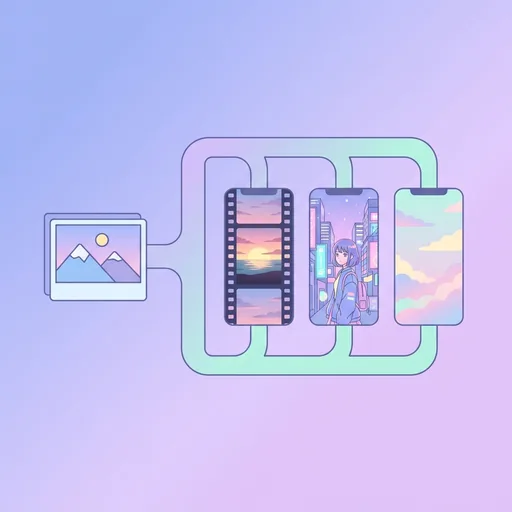
从任何照片制作壁纸。上传一次,获得6张手机壁纸——电影感、动漫、柔和、复古、霓虹、黑白。免费照片转壁纸转换器。

webp-to-jpg

WebP 转 JPG 转换器

将现代 WebP 文件转换为通用支持的 JPG。

upscale

AI 图像放大

将任意图像放大2倍或4倍,同时保持清晰度。

AI Photo Editor

AI 照片编辑器

只需描述更改内容即可编辑任意照片 — "变成夜晚"、"添加雪景"、"移除背景"。免费 AI 照片编辑器,无需 Photoshop。

Live Wallpaper Maker

动态壁纸制作器

让Wallpapers.com上的任何壁纸动起来——视差动画、4秒循环、导出为MP4和iOS Live Photo。适用于iPhone和Android的动态壁纸

png-to-jpg

PNG 转 JPG 转换器

将 PNG 转换为 JPG,可调节质量。文件更小,页面加载更快。

Social Media Image Resizer — All Sizes

社交媒体图片尺寸调整工具

免费的社交媒体图片尺寸调整工具。一次上传,获得9种即用尺寸 — Instagram(4种尺寸)、TikTok、Twitter/X、Facebook、Linked

你的墙, 已生成。
制作你的 →

最新 壁纸

More Latest 壁纸 ›

壁纸指南 & 文章

Read all articles ›

常见问题关于 壁纸

Are the wallpapers really free, or is there a catch?

Genuinely free for personal use in standard sizes. Higher resolutions (5K/8K), ad-free browsing and bulk-downloads are behind Premium. Commercial use is not free — see Licensing.

How do I install a live wallpaper on iPhone?

<p>After the render finishes you'll get an iOS Live Photo bundle (a <code>.heic</code> and a <code>.mov</code> file). On iPhone:</p><ol><li>AirDrop or iCloud the .heic + .mov files to your phone (they import as one Live Photo into your Photos library).</li><li>Open <strong>Settings → Wallpaper → Add… 阅读完整答案

Can I become a Wallpapers.com contributor?

Yes! Click <strong>+ Add Wallpaper</strong> at the top of any page. You'll need a free contributor account (30 seconds to create).

Does a live wallpaper drain my battery?

<p>Not really. On iPhone, the Live Photo only animates when you long-press the lock screen — the rest of the time it's a still image. Battery cost: zero.</p><p>On Android, the MP4 plays continuously on the lock screen when the screen is on. Modern phones decode short 4-second loops in dedicated hard… 阅读完整答案

Can I make a live wallpaper from my own photo?

<p>Not yet on Wallpapers.com. Our Live Wallpaper Maker only operates on wallpapers we already host — this keeps AI compute focused on art that's already proven to be a great phone wallpaper (correct aspect ratio, high resolution, good composition).</p><p>If you want a live wallpaper from a personal … 阅读完整答案

关于壁纸 — 简要历史与格式指南

“壁纸”一词原指物理墙面覆盖物;数字版本——填充桌面或手机屏幕的图像——在1980年代末借用了该术语。苹果Mac System 1(1984年)预装黑白棋盘背景,微软在Windows 3.0(1990年)中将“壁纸”设为个性化功能。此后,它成为设备中最可定制的部分之一。

Common formats for wallpapers

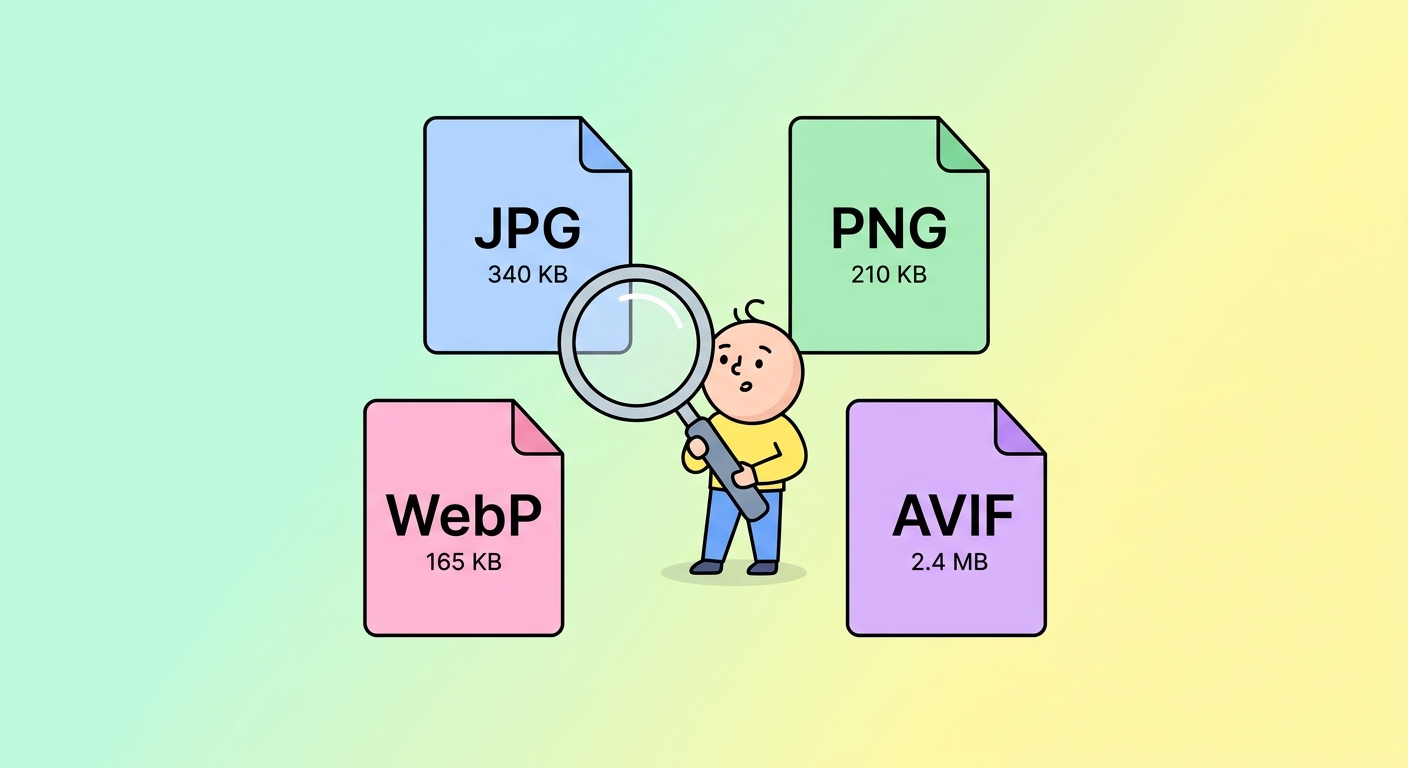
现代壁纸保存为JPG(照片文件大小最佳)、PNG(无损,支持多层桌面透明度)或HEIC(苹果在iPhone上的高效格式)。超宽和8K超高清下载通常需要质量90+的JPG以平衡保真度与大小。AVIF和WebP正逐渐取代网页上的JPG,但尚未被所有壁纸管理器支持。

选择正确的分辨率

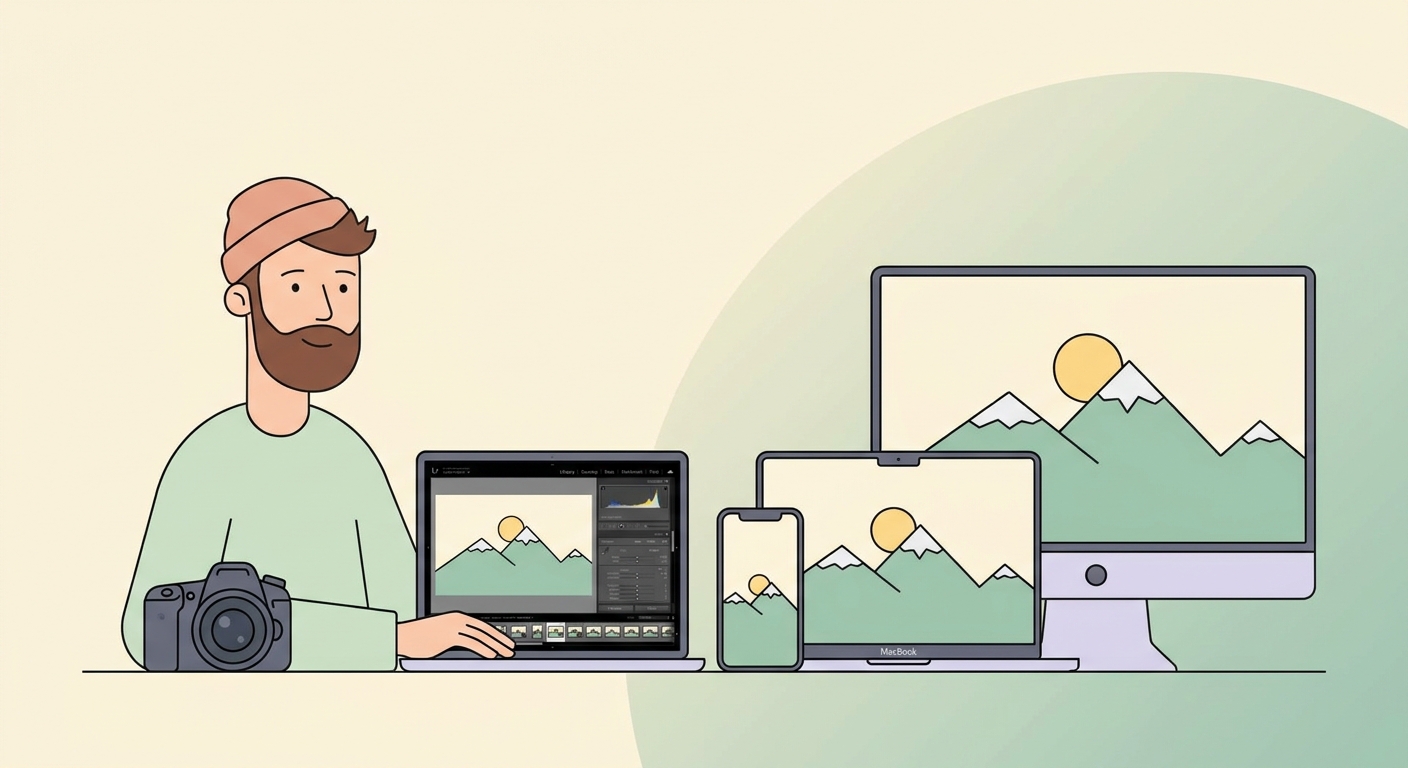
每台设备都有原生像素网格:6.1英寸iPhone为1170×2532,13英寸MacBook Air为2560×1664,32英寸4K显示器为3840×2160。选择等于或高于原生网格的壁纸可避免可见缩放。我们的 Wallpaper Resizer 包含过去五年所有苹果、三星、谷歌和微软设备的预设;选择预设,放入图像,即可获得完美裁剪的输出。

免费壁纸 — 在哪里找到及如何使用

下载完全免费的壁纸,适用于所有屏幕尺寸。